This website describes a business-to-business service and is not, by itself, a binding offer. The final scope, start date and any project-specific terms are confirmed in writing before paid subscription begins.
Products and subscription pricing
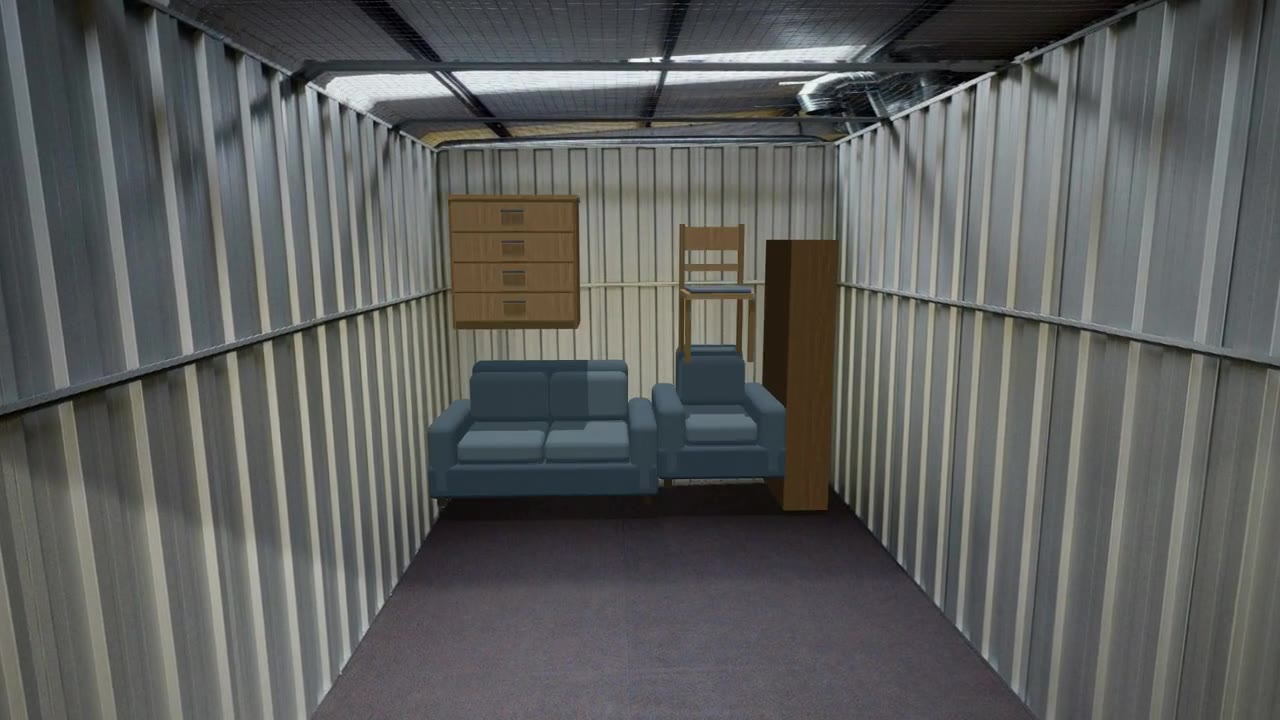
Lockstep Animated Storage Calculator uses animated visuals without unit photographs. It includes business name and main colour, store details and size prices, nearest-store selection for multiple locations, analytics and monthly reporting. The same pricing model covers self-storage, container, mobile, business, movers’ and student storage.
£29.99/month includes up to two unit types. Each additional type is £15/month. Save 10% with annual billing, paid upfront. Prices exclude VAT. Choose 1–6 types online; contact us for more. Reuse the same configured types across locations. Your first subscription payment is taken at checkout and recurring billing starts immediately. Embedding or installation does not delay billing. Complete your onboarding after payment; we turn around your build within 24 hours of receiving complete requirements. GBP is the billing currency. USD and EUR amounts are indicative reference equivalents dated 30 October 2026 (€1 = £0.83380 = US$1.1172), not live rates. Stripe shows the final GBP amount; your bank may apply its own exchange rate and fees.
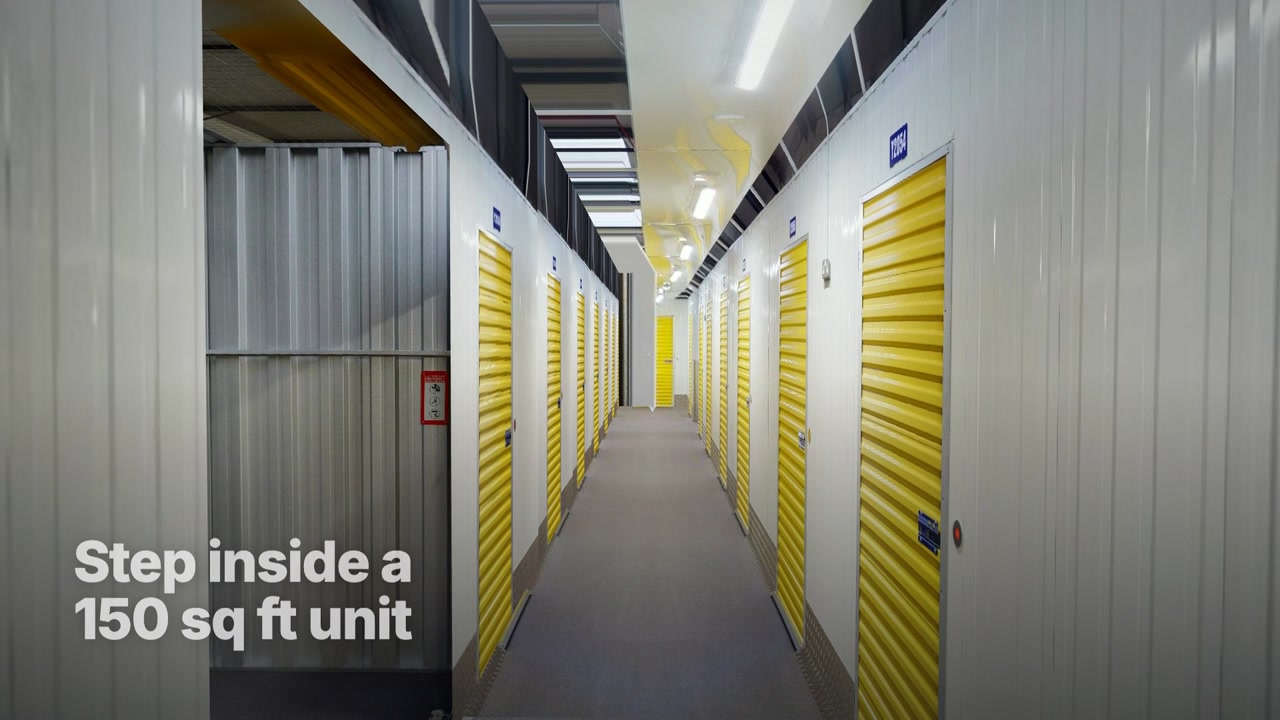
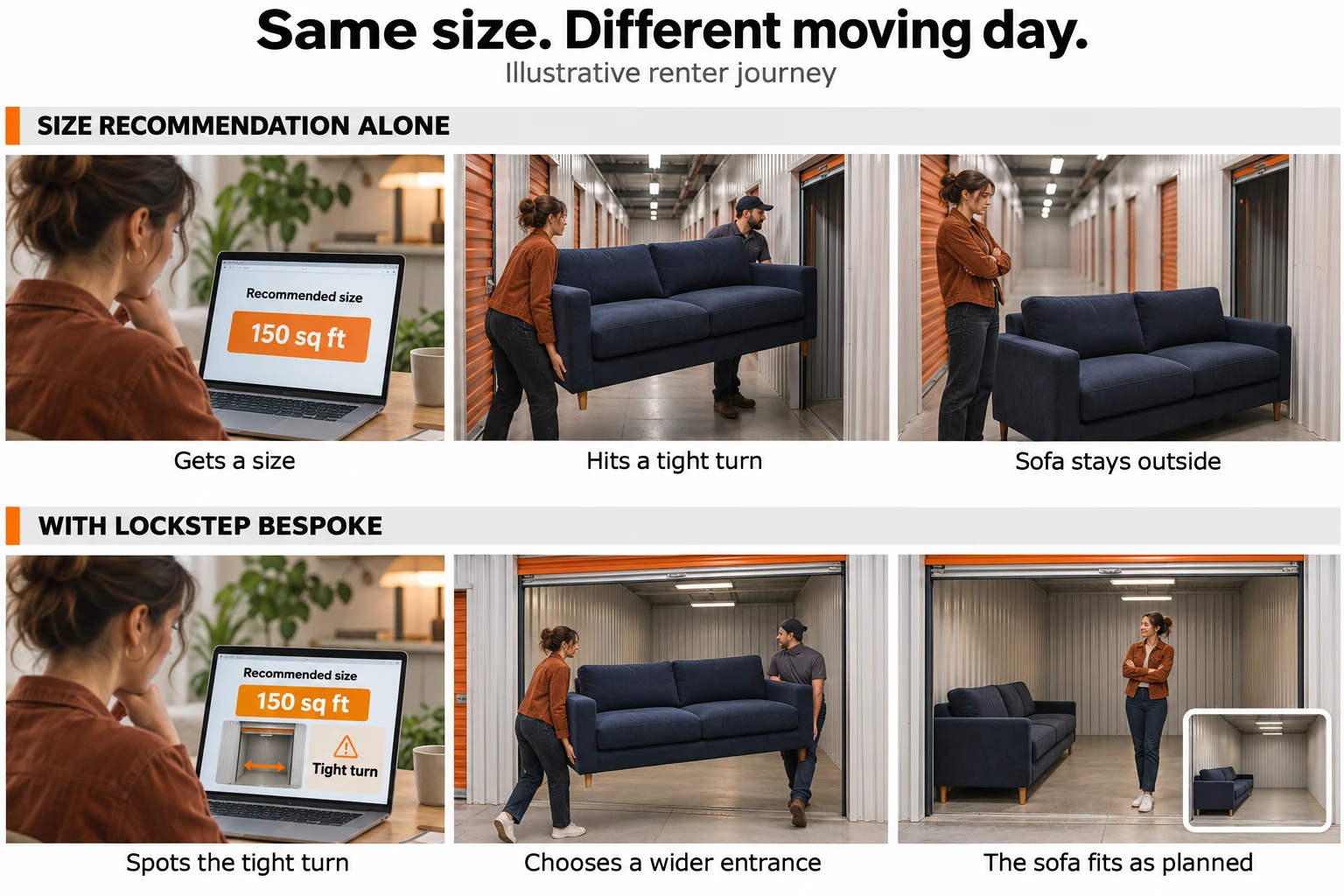
Lockstep Bespoke combines a calculator with photographed unit tours and included walkthrough videos. Operator branding and an AI tour guide are included options. Bespoke nearest-store selection is optional, with scope and any charge confirmed in writing. Bespoke pricing is quoted for the facility. Both subscriptions include analytics and monthly reporting.
See it in your room uses augmented reality on compatible phones and browsers, with camera permission where required. This feature uses no cookies and collects no customer data; separate calculator analytics and enquiries are outside that statement. It is a visual size guide, not a packing guarantee.
Bespoke free preview and approval
For Lockstep Bespoke, we prepare your calculator and initial unit-tour preview free for review using the unit photographs and information you supply. There is no upfront build fee or obligation to subscribe for this initial preview. It does not include a complete website rebuild or separately commissioned capture or visual work.
Once you approve the finished product, you can start your paid subscription straight away or request an optional 14-day live trial by emailing tours@lockstepspatial.co.uk before deciding. We confirm your choice, scope, subscription price and start date in writing. The agreed subscription covers the unit sizes built for the same facility, with no per-unit charge. Another facility or bespoke work outside the agreed package is quoted separately before chargeable work begins.
Optional Bespoke 14-day live trial
The trial is available by email request after you review your free preview. It begins only once your approved calculator and interactive unit tours are live on your website and we have checked they work. We confirm the trial start and end dates by email. The trial gives you time to review your unit information, mobile experience and enquiry links; it does not promise particular bookings, enquiries or commercial results.
There is no subscription charge during the trial, and it does not automatically convert to a paid plan. At the end of the trial, confirm by email if you would like to continue. A paid subscription starts only when both parties agree the price and start date in writing. Otherwise, we deactivate the product at the end of the trial and no subscription payment is due. The 14-day cancellation notice for paid subscriptions does not apply to ending this free trial.
Bespoke credit for prepaid annual CalcuMate subscriptions
This transition-discount offer applies only to eligible facilities moving to Lockstep Bespoke from a CalcuMate subscription already paid annually. Monthly subscriptions and free plans do not qualify. It does not automatically apply to Animated; any exception must be agreed in writing. We need the subscription invoice and confirmation of the prepaid end date.
The credit is a transition discount against monthly Lockstep subscription payments, not a cash payment, a CalcuMate refund or reimbursement, or a transfer of your account or contract. You remain responsible for managing or cancelling CalcuMate under its own terms. You may start your paid Lockstep subscription immediately after approval or request the optional 14-day live trial first. Any agreed credit starts when your paid subscription begins.
Both parties agree the calculation and discount rate in writing before the paid subscription starts. We use the verified prepaid period remaining on that start date. The monthly discount rate is one twelfth of the annual CalcuMate subscription fee actually paid for the eligible facility, after subscription discounts and excluding tax, separately charged extras and refunded fees. Total credit is limited to the unused prepaid subscription fees or half of that eligible annual fee (six months’ worth), whichever is lower. No switching credit is applied during a free trial.
The discount reduces monthly Lockstep payments for up to six months from the paid subscription start date, ending earlier if the CalcuMate prepaid period expires. A final partial month is prorated using the days covered in that billing period. The discount cannot reduce a Lockstep invoice below zero. It is not transferable or redeemable for cash and cannot be carried beyond the agreed discount period. Unapplied credit expires if the Lockstep subscription ends.
Before you commit, we confirm and agree by email the invoice amount, prepaid end date, calculation and discount rate, total credit, any trial dates, exact payment amounts and dates, and the date standard pricing begins. Any currency conversion and applicable tax treatment are also confirmed in writing. Standard agreed Lockstep subscription pricing applies afterwards.
Subscription, payment and cancellation
Fees, payment frequency, start date and any annual billing arrangements are confirmed in writing. Your first subscription payment is taken at checkout and recurring billing starts immediately. Embedding or installation does not delay billing. Complete your onboarding after payment; we turn around your build within 24 hours of receiving complete requirements. Bespoke begins after approval or, where requested, after the free trial and subsequent email agreement. A Bespoke trial never renews automatically into a paid plan.
Once a paid subscription begins, applicable fees must remain paid for the product to stay live. If a subscription payment is overdue, Lockstep Spatial may suspend or deactivate the product until the outstanding payment is received. A paid subscription can be cancelled with at least 14 days’ written notice to tours@lockstepspatial.co.uk. Notice is received when it reaches that inbox. Applicable subscription charges continue during the notice period, after which the product may be deactivated.
Customer materials and approval
The customer confirms that it has the right to provide and authorise use of all photographs, branding, measurements and other materials supplied. The customer retains ownership of its materials and grants Lockstep Spatial permission to use them to build, host, support and maintain the agreed tour. The customer is responsible for reviewing and approving the final representation, measurements and customer-facing claims before publication.
Viewer, updates and availability
Lockstep Spatial retains ownership of its viewer, software, templates and underlying methods. The subscription includes routine updates, maintenance, reasonable refinements to the agreed experience, analytics and generally released improvements to the core product. Customers work directly with the person building their experience for support and update requests. Core product improvements carry forward into the hosted experience without requiring a fresh build. Customers may submit feature requests at any time while subscription remains active. Requests are reviewed for feasibility and fit with the viewer; submitting a request does not guarantee implementation or a particular delivery date. We aim to keep the service available, but uninterrupted or error-free operation is not guaranteed and short interruptions may occur for maintenance, security or matters outside our reasonable control.
Our intellectual property
These intellectual property sections apply to everyone who uses this website, or a Lockstep calculator or tour wherever it is shown, as well as to our customers. By using them, you agree to these sections.
Lockstep Spatial owns, or is licensed to use, all intellectual property in this website and in every Lockstep calculator, unit tour, walkthrough video, animation, 3D model, AR scene, size guide, report and the software behind them (“Lockstep content”). This includes copyright, database rights, design rights, trade marks and names (registered or not), know-how, and the look, layout and order of our tours. These rights are protected by UK law, including the Copyright, Designs and Patents Act 1988, and by international treaties. All rights are reserved.
A customer keeps ownership of its own photographs and branding, as set out under “Customer materials and approval”. A tour built from a customer’s photographs combines those materials with Lockstep content: the customer keeps its materials, and Lockstep Spatial keeps everything else.
What you may do
You may view this website and use a Lockstep calculator or tour in a web browser for its intended purpose: to explore storage units and choose a size. A customer may show its subscribed Lockstep products on its own website, through the agreed embed, while the subscription is active and paid. Nothing else is licensed. No right in Lockstep content passes to you unless we agree it in writing.
What you must not do
Unless we give written permission, you must not do any of the following, or let or help anyone else do it:
- Record, screen-record, film, download or capture a Lockstep tour, video, animation, calculator or AR scene, in whole or in part, to use, publish, sell or share it elsewhere.
- Copy, recreate or imitate a Lockstep tour, calculator, design, layout or method, including to build a competing product or to train an AI system.
- Embed, frame or link to Lockstep content on a website it was not agreed for, or keep showing it after a subscription ends.
- Scrape or extract our content, data or code by automated means, or reverse-engineer, decompile or get around any protection in our software.
- Remove or hide any Lockstep name, credit or copyright notice, or show Lockstep content as if it belongs to someone else.
This does not limit what UK law allows without permission, such as fair dealing for criticism, review or news reporting.
Use without permission and legal action
We check where our calculators and tours are loaded and shown. Use of Lockstep content without permission infringes our rights and, for a customer, is also a breach of contract. We will take legal action to protect our rights. This can include:
- a formal demand to stop and to remove or destroy all copies;
- a court order (injunction) to stop the use;
- a claim for damages or for the profits made from the use, including additional damages where the infringement is flagrant;
- a claim for a licence fee for the whole period of use, at no less than our full published subscription price for each website and each month the content was used;
- recovery of our legal costs, as the court allows.
We may also ask website hosts, platforms and search engines to remove copies. To ask for permission or to report misuse, email tours@lockstepspatial.co.uk.
Illustrative content and results
Demonstration tours, furniture, capacity cues and statistics on this site are illustrative. They are not professional space-planning advice and do not guarantee that particular goods will fit, or that bookings, revenue or conversion rates will increase. Customers should verify critical dimensions and suitability independently.
Liability and law
Nothing in these terms excludes or limits liability where doing so would be unlawful, including liability for fraud or fraudulent misrepresentation. Any other limits, service credits or remedies will be set out in the written agreement for the project. These website terms and any dispute connected with them are governed by the laws of England and Wales, and the courts of England and Wales have jurisdiction.
Separate website and capture projects
Website rebuilds are separately quoted projects, with calculator and tours included only within the stated scope. Project fees, ongoing services, payment stages, maintenance, ownership, handover and cancellation arrangements are confirmed in writing before work begins.
Professional photography and suitable drone footage are optional and separately quoted, with availability, deliverables and any upfront charge agreed before booking. Interactive facility maps are available only within the requested photo-capture package. The free Bespoke preview does not make a separately commissioned project or capture visit free.
Contact
Questions, support requests, legal notices and cancellation notices should be sent to tours@lockstepspatial.co.uk.